How to use Neuro-PsychoMMSig
Neuro-PsychoMMSig is a web-based tool for network-based analysis of -omics datasets. It ships with pre-built knowledge graphs for schizophrenia, bipolar disorder, Alzheimer's disease, Parkinson's disease, and type 2 diabetes mellitus.
These graphs power two complementary modes. Clinical Analysis runs server-side algorithms (CMPA, GSEA, CARMA, CLEP) on your uploaded -omics files to identify enriched mechanisms, pathways, putatively causal SNPs, and patient embeddings. Explorative Analysis lets you query the graphs interactively by biomarker, revealing relationship provenance and publication sources.
Query any built-in knowledge graph by biomarker and explore the result as an interactive graph. Every edge carries provenance — hover to see the publication source. Gene-ontology subgraphs can be isolated directly from the visualization.
Open the Explorative Analysis page. Choose a disease, then select gene/protein or subgraph.
Type in the search bar — it autocompletes from all genes, proteins, and subgraphs in the selected knowledge graph.
Interact with the graph to trace relationships, isolate subgraphs, and inspect edge provenance.
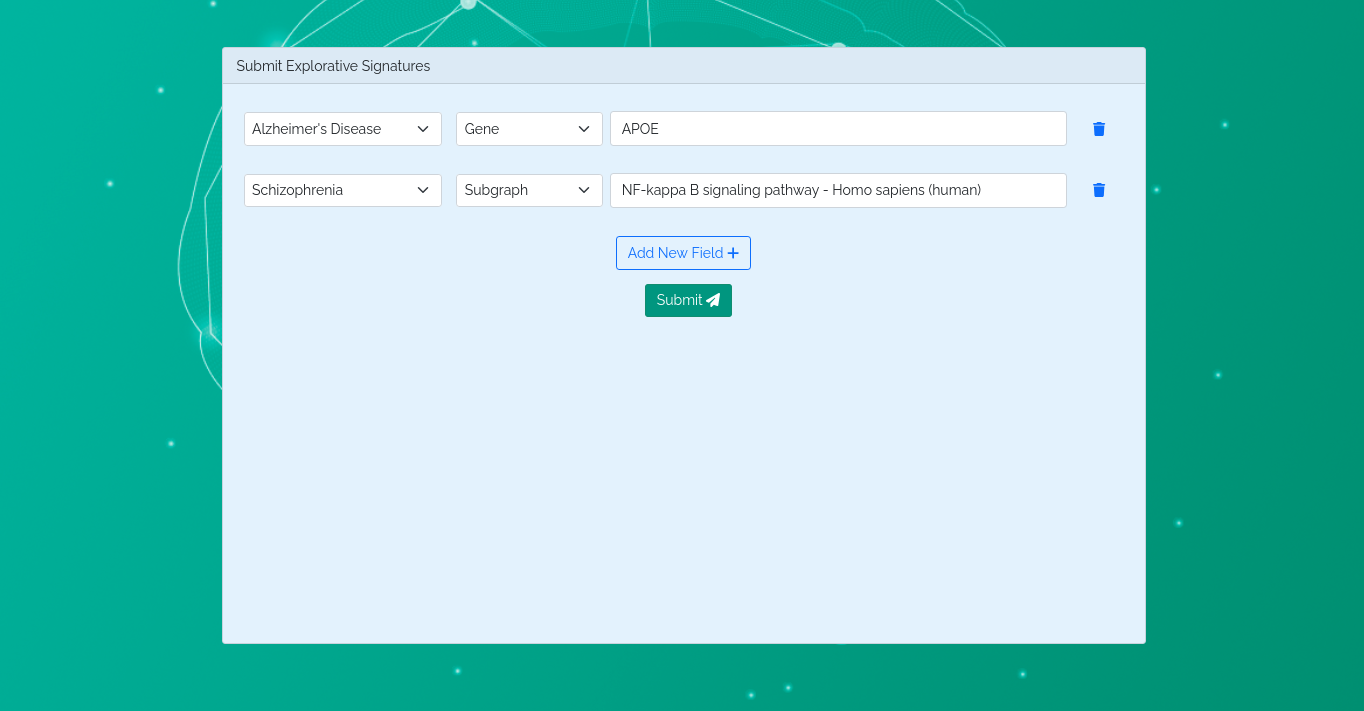
Search form with disease and biomarker selected
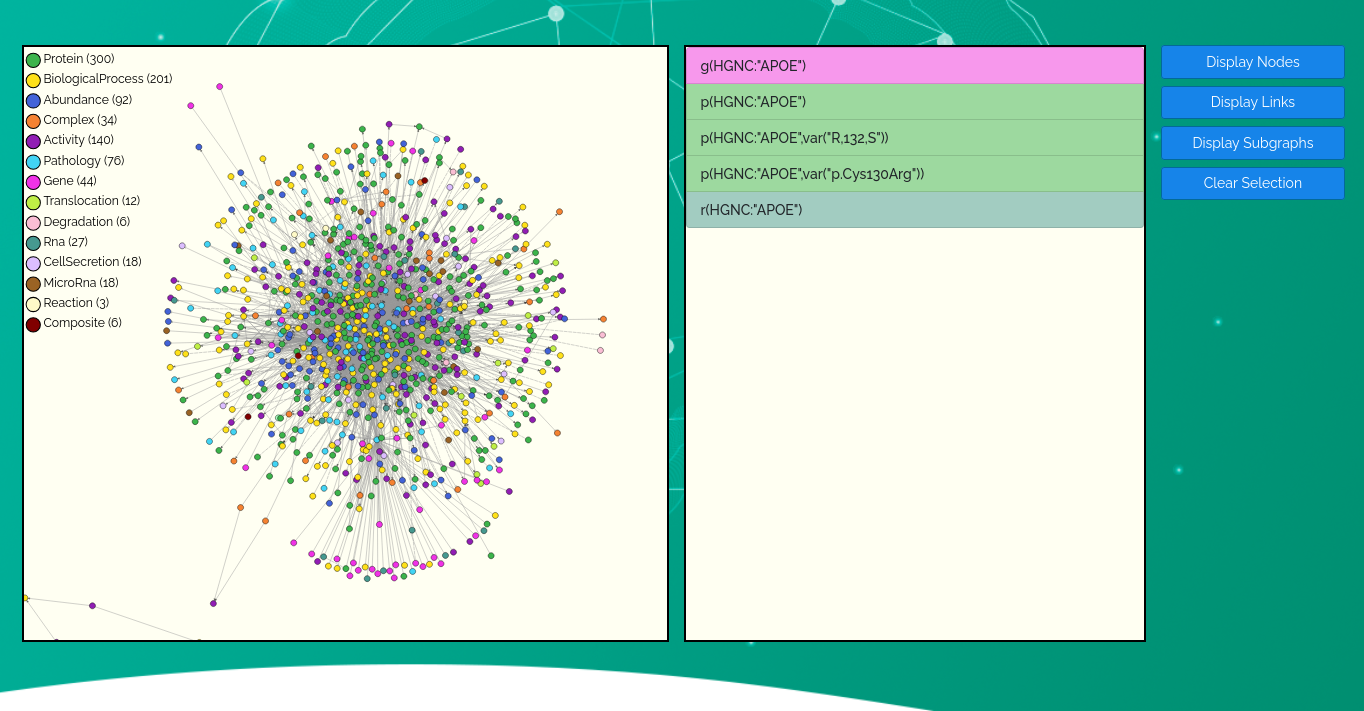
Interactive knowledge graph for selected biomarker
Run server-side algorithms on uploaded -omics datasets against the pre-built knowledge graphs. A user account is required. Input format requirements are shown inline on each submission form.
Clinical Analysis requires an authenticated account.
Open the Clinical Analysis page, upload your files, and choose the analysis type.
Results appear as interactive visualizations or downloadable files. Email sent on completion.
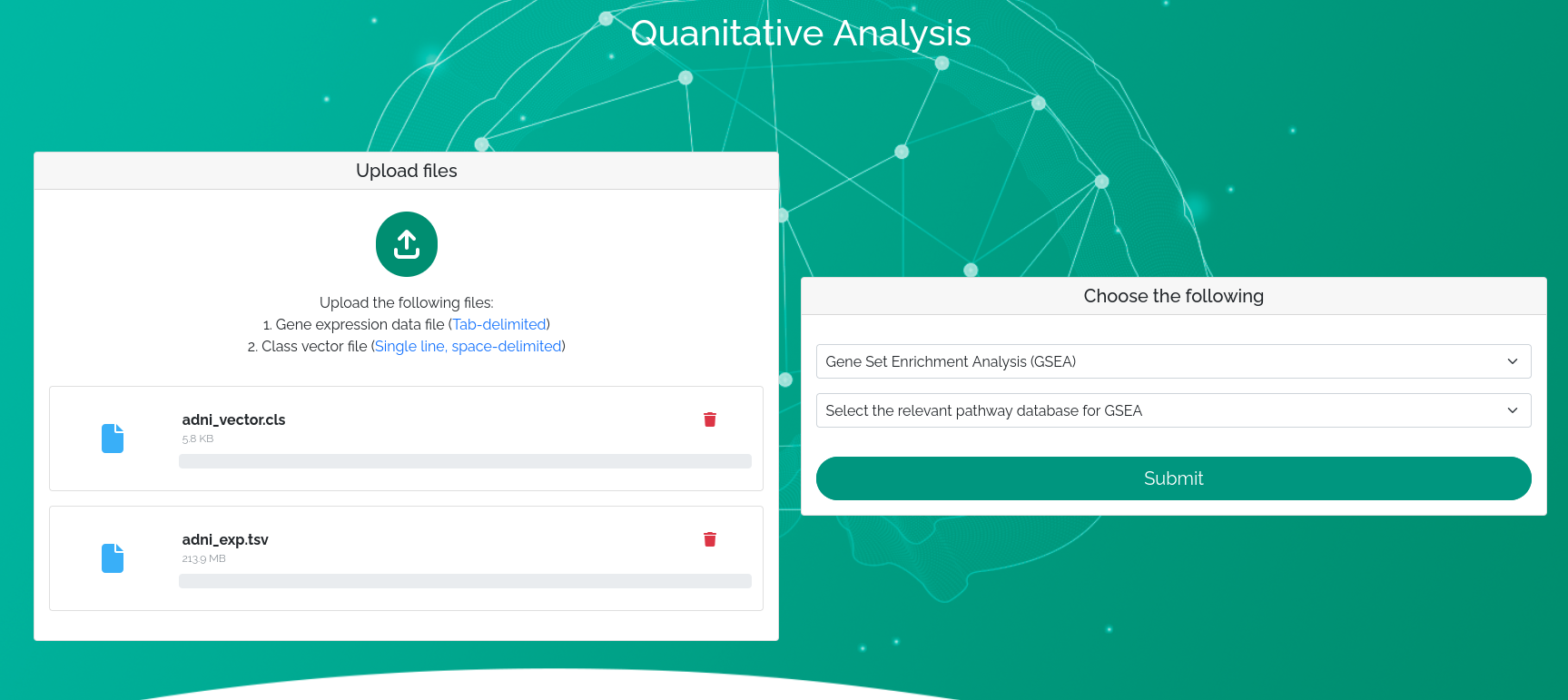
Data upload and algorithm selection form
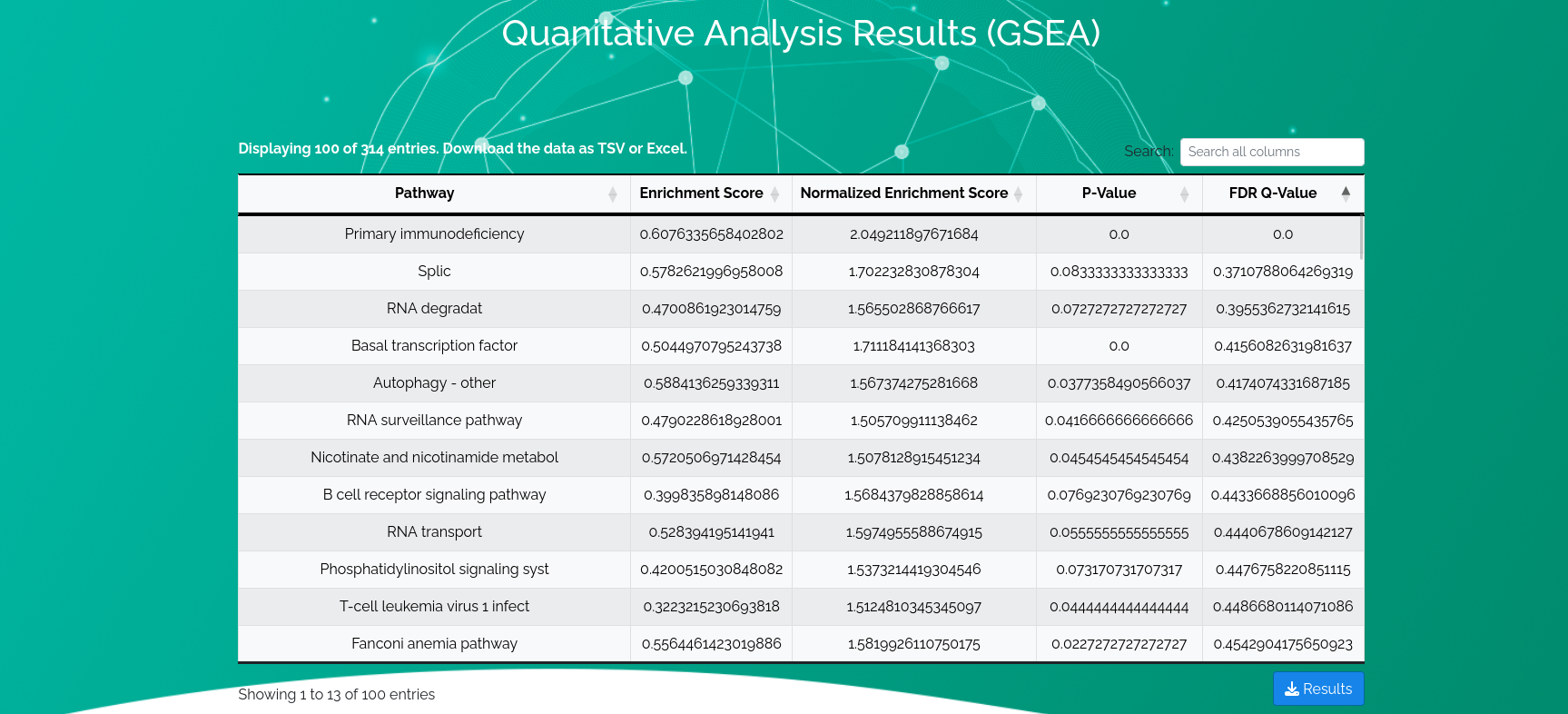
Results visualization after algorithm completion